SEO-PRESERVING WEBSITE REDESIGN CASE STUDY
A Leaner Website. 39% More Views on Core Pages.
Can you redesign a website, cut outdated content and still protect SEO? For FHLBanks.com, we did just that. After a complete WordPress redesign, the Pages that mattered most attracted 39% more pageviews—and the retained Pages earned more clicks from Google Search.
Hog the Web approached the project as a partner rather than simply a vendor.
Levi made himself available to us for strategic discussions and was intimately involved in all deliverables and leading us through each phase of the project.
- Peter Garuccio, Senior VP of Communications, Council of Federal Home Loan Banks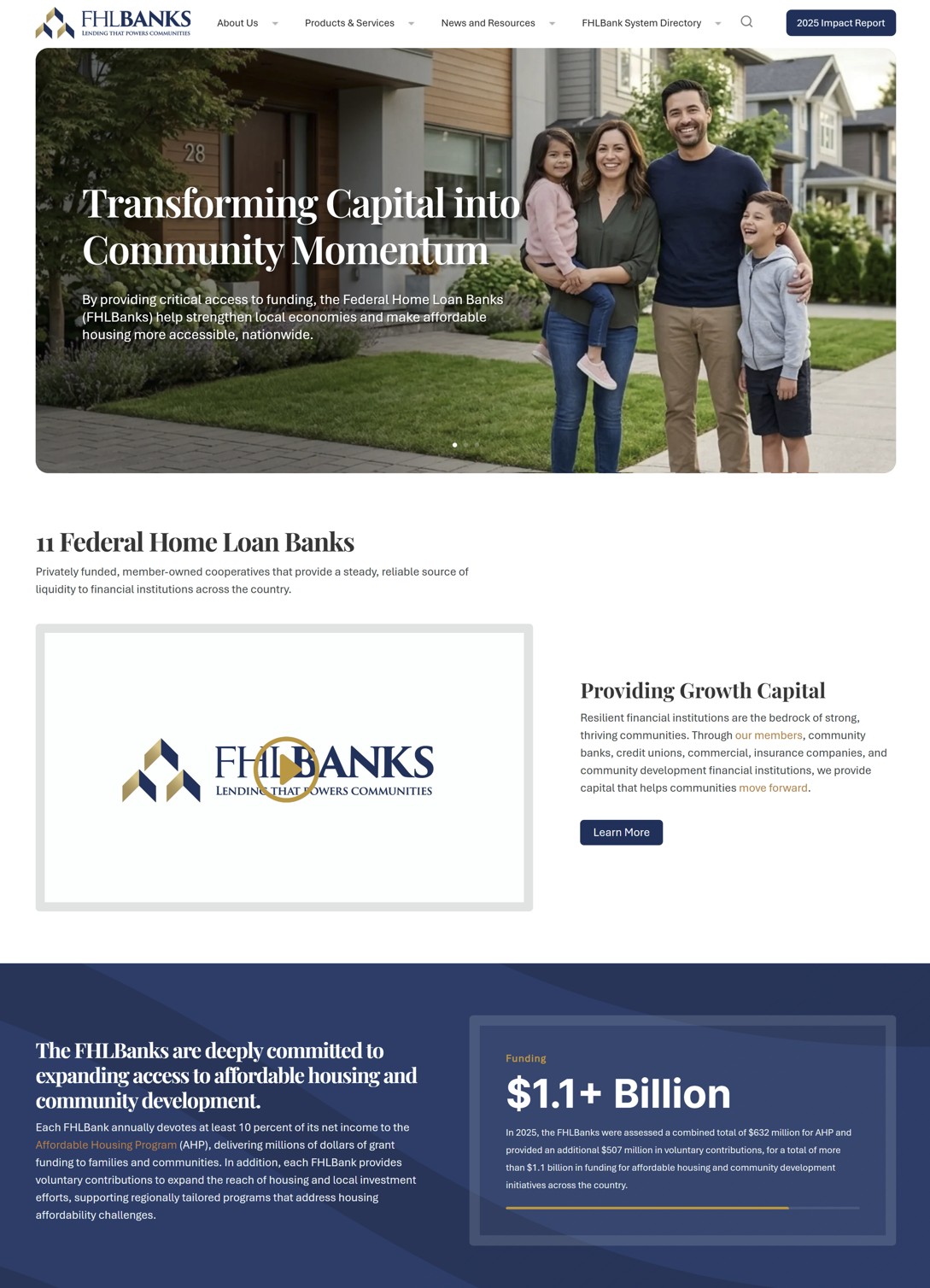
Not every website redesign needs to keep every old page. Sometimes the smartest SEO strategy is to keep the content that matters, retire what doesn’t, and give visitors a clearer path to the answers they need.
That was our approach for the Council of Federal Home Loan Banks. Their website needed to reflect new branding, work better on mobile devices, explain complex financial topics more clearly, and be easier for both search engines and people to understand.
more pageviews on retained internal pages
more Google search clicks to retained Pages
more impressions for retained Pages in Google's AI search features
IN THE CLIENT’S WORDS
Their attitude and work ethic made the whole project seem very simple from our end.
Peter also reported a significant increase in monthly newsletter subscriptions after launch, following improvements to the visibility of the site's subscribe button.
The challenge: A better website without losing valuable SEO
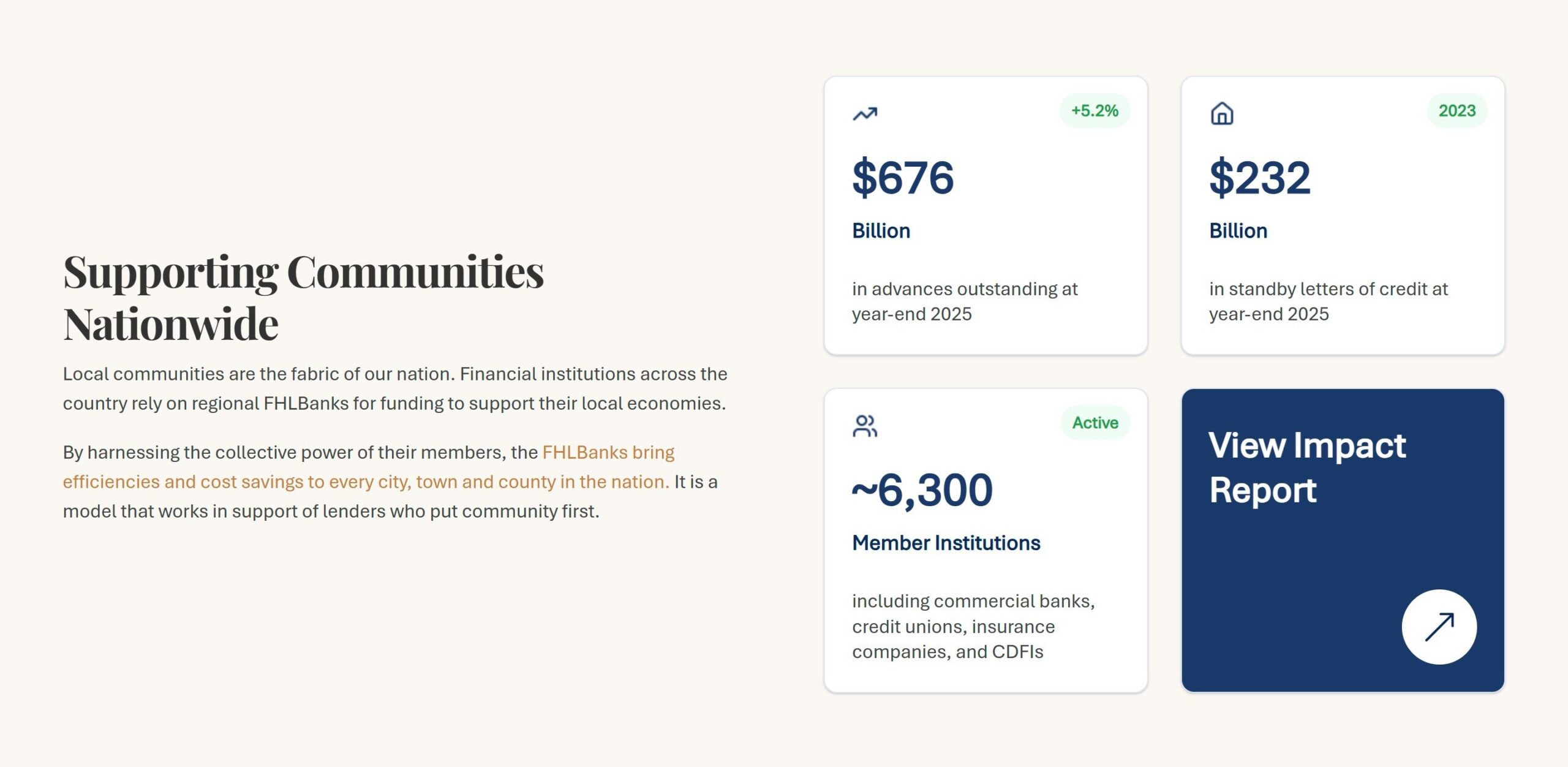
FHLBanks.com serves policymakers, financial industry professionals, member organizations and anyone trying to understand what the Federal Home Loan Banks do. The old site had useful information, but it also had aging Pages, a complicated content structure and important topics that could be easier to find.
The Council had recently refreshed its brand. It wanted a modern, mobile-friendly WordPress website redesign that told its story clearly, encouraged visitors to keep learning and made important content easier to discover through Google and AI-powered search.
The question wasn’t how to preserve every old page. It was how to protect the right information while making the whole website more useful.
The site was substantially streamlined
The content strategy: Fewer Pages, stronger focus
We started with the existing website and its search data rather than designing in a vacuum. Looking at Google Analytics, Google Search Console and Microsoft Clarity helped us understand what visitors were reading, which Pages brought in relevant search traffic and where the old navigation could be improved.
The Council deliberately retired or consolidated a substantial amount of old Page content. Many Posts remained. The result was a simpler site built around the information visitors actually come to FHLBanks to find.
Retain important pages and useful search topics that serve the organization’s real audiences.
Make it easier to understand the FHLBank System and explore related topics.
Remove or consolidate content that no longer fits the site's purpose.
We prioritized useful evergreen topics—like how the FHLBank System works, member institutions, liquidity products, housing programs and community investment—while giving visitors better ways to reach related content.
That approach is central to SEO-preserving WordPress redesigns: preserve valuable SEO content without carrying forward years of clutter. It’s not about keeping the most pages. It’s about keeping the right ones.
Redesigning a website with existing SEO traffic?
We audit the valuable content and search visibility before making changes.
Our approach: Research, redesign and measure
Hog the Web handled the research and WordPress redesign as one connected project. We combined WordPress SEO and AI search optimization with a clearer design, mobile-friendly layouts and more intuitive navigation.
We also gave important content more prominent locations, including the Directory, affordable housing information, the Impact Report and News & Resources. Clearer page structure and helpful internal links made it easier to explore the site and understand the organization.
Use Google Analytics, Search Console and Microsoft Clarity to find the pages and pathways that matter.
Improve navigation, mobile layouts, topic pages and calls to action without keeping unnecessary clutter.
Separate retired Pages from retained and newly created Pages, then assess the relevant results.
The results: 39% more views on the Pages that matter
After the July 2026 launch, pageviews on retained internal Pages increased 38.7%. That comparison excludes the homepage, so it reflects the educational and informational Pages the Council most wanted visitors to explore.
Even with the reduced Page sitemap, overall website pageviews stayed essentially flat. Visitors were spending more of their attention on the core content instead of older Pages that had been intentionally retired.
+38.7% more pageviews
Retained internal Pages, excluding the homepage
The gains weren’t limited to one Page. Some of the Council’s most important topics saw substantial increases in pageviews:
Stronger traffic to priority pages
GA4 pageviews, same-length periods before and after launch
The takeaway: A successful SEO redesign protects value, not clutter
Deleting old Pages isn’t automatically bad for SEO. Deleting the wrong Pages can be. The trick is knowing the difference before the new website launches.
For FHLBanks, we replaced an overgrown set of Pages with a more focused experience. Core Pages drew more pageviews, Google sent more clicks to retained content, and AI search visibility improved on that same group of Pages. The client also reported a significant increase in newsletter subscriptions after making the signup more prominent.
Whether you’re planning a custom WordPress redesign, consolidating old articles, or preparing for a website migration, the lesson is the same: audit first, plan your content and URL changes, and build a better experience around what matters.
And if a previous redesign already hurt your organic traffic, see our website redesign SEO recovery service or the Imhoff Painting recovery case study.
SEO-Preserving Website Redesign FAQ
Can you redesign a website without losing SEO traffic?
Yes. A well-planned website redesign can preserve important search visibility while improving design and usability. Start by identifying your valuable Pages, search keywords and URLs before changing the site structure.
Does deleting old website Pages hurt SEO?
Not necessarily. Removing outdated, duplicate or low-value content can make the site more focused. The important part is protecting Pages that still serve visitors, attract relevant search traffic or have useful backlinks—and planning appropriate redirects when content moves.
What should you check before a WordPress redesign?
Review Google Search Console, GA4, important landing Pages, existing URLs, internal links and backlinks. Then plan the new content structure, test the site before launch and monitor results afterward. Learn more about our SEO-preserving WordPress redesign service.
How can a website redesign improve AI search visibility?
Clear headings, useful explanations, well-organized topic Pages and accurate content make information easier for people and search systems to understand. For FHLBanks, impressions on retained Pages within Google’s generative AI search features increased after launch.
How do you measure whether a website redesign was successful?
Look beyond total traffic. Compare performance for the content you kept or improved, including organic clicks, relevant pageviews, engagement and meaningful actions. If you intentionally retired Pages, separate those losses from the performance of your core content.
Planning a website redesign? Keep the SEO value that matters.
We combine WordPress design, development and SEO research so your new site is easier to use without sacrificing what already works in search.