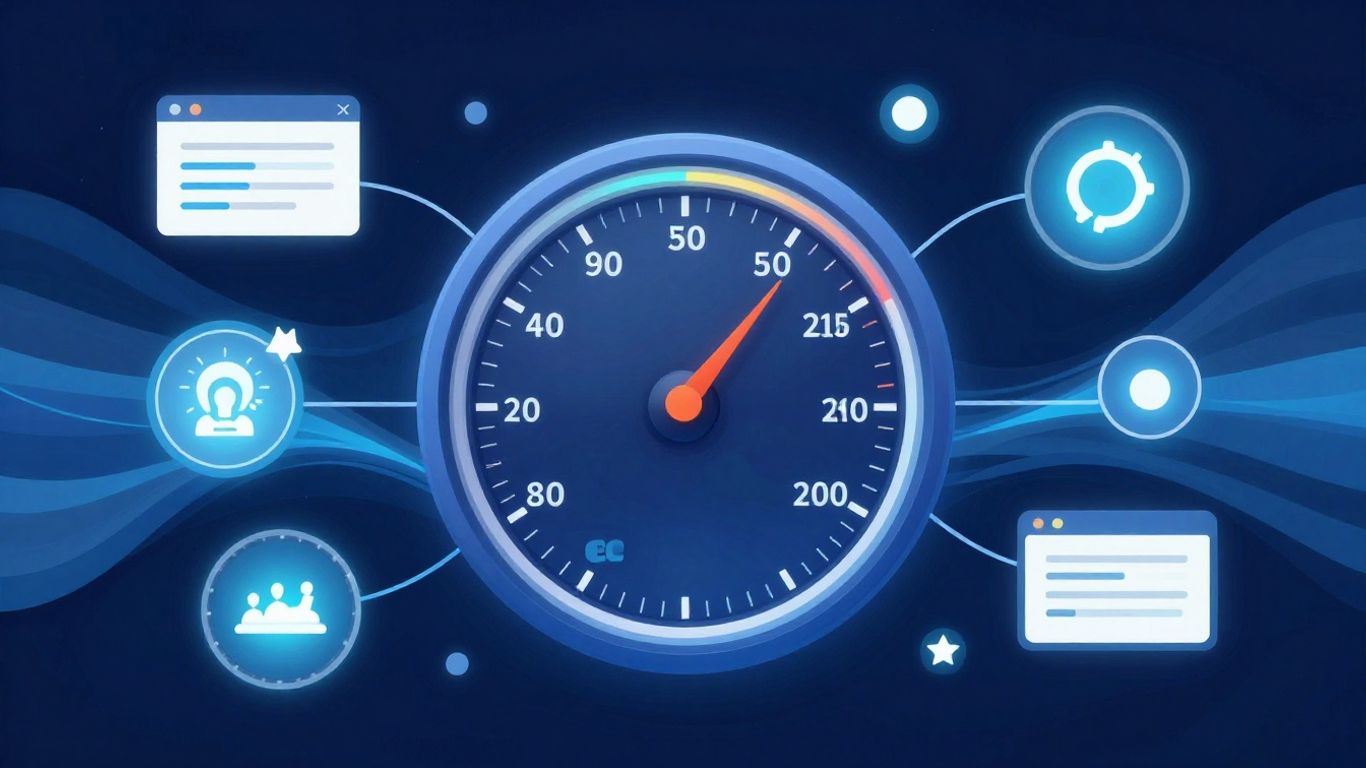
This post breaks down Google’s Core Web Vitals and how to improve them for a better user experience and search ranking. We’ll cover the key metrics and give you actionable tips to make your website faster and more user-friendly.

What Are Core Web Vitals?
So, Google has these things called Core Web Vitals. They’re basically a set of metrics that measure how users experience your website. Think of it like this: when someone visits your site, how fast does it load? How quickly can they start interacting with it? And does it stay stable while it’s loading, or does stuff jump around?
Google uses these metrics to figure out how good your user experience is. And if your user experience is good, well, Google tends to like your site more. This can help with your search rankings. It’s not the only thing that matters, but it’s definitely a part of the puzzle.
Key Takeaways
- Largest Contentful Paint (LCP): Measures loading performance. How long does it take for the main content to appear?
- First Input Delay (FID): Measures interactivity. How quickly can a user interact with your page (like clicking a button)?
- Cumulative Layout Shift (CLS): Measures visual stability. Does the page jump around while it’s loading?
Understanding Largest Contentful Paint (LCP)
LCP is all about how long it takes for the biggest piece of content on your screen to load. This could be a big image, a video, or a large block of text. If this takes too long, users might get impatient and leave.
Tips to Improve LCP:
- Optimize Images: Make sure your images are compressed and in the right format. Don’t use a massive image if a smaller one will do.
- Server Response Time: If your server is slow, everything will be slow. Look into upgrading your hosting or using a Content Delivery Network (CDN).
- Remove Render-Blocking Resources: These are things like JavaScript or CSS that stop the page from showing up until they’re loaded. Try to load them later if possible.

Improving First Input Delay (FID)
FID measures how quickly your page responds when a user first interacts with it. Imagine clicking a button and nothing happens for a few seconds – that’s bad FID. This is often caused by heavy JavaScript that’s blocking the main thread.
Tips to Improve FID:
- Break Up Long Tasks: If you have a big JavaScript task, split it into smaller chunks. This allows the browser to do other things in between.
- Use a Web Worker: These run JavaScript in the background, so they don’t block the main thread.
- Reduce JavaScript Execution Time: Look for ways to make your JavaScript code run faster or remove unnecessary scripts.
Tackling Cumulative Layout Shift (CLS)
CLS is about how much unexpected movement happens on your page as it loads. You know when you’re trying to click something, and then it suddenly moves, and you click the wrong thing? That’s a bad CLS. This usually happens with ads, images without dimensions, or dynamically injected content.
Tips to Improve CLS:
- Specify Image and Video Dimensions: Always include
widthandheightattributes for your images and videos. This tells the browser how much space to reserve. - Reserve Space for Ads and Embeds: If you have ads or other content that loads later, make sure you allocate space for them beforehand.
- Avoid Inserting Content Above Existing Content: Unless it’s in response to a user interaction, try not to push content down the page unexpectedly.

Putting It All Together
Improving your Core Web Vitals isn’t just about pleasing Google; it’s about making your website a better place for your visitors. A faster, more stable, and interactive site means happier users, and that’s good for everyone. Start by checking your site’s performance using tools like Google PageSpeed Insights, and then tackle the areas that need the most work. It might take some effort, but the payoff in user satisfaction and search visibility is definitely worth it.
Remember, website performance is an ongoing thing. Keep an eye on your metrics and make adjustments as needed. Your users will thank you for it!

Rodney Laws is an ecommerce expert with over a decade of experience helping entrepreneurs build and grow online businesses. He specializes in reviewing ecommerce platforms, optimizing user experience, and guiding brands toward higher conversions. His insights have been published on leading industry sites including UsabilityGeek, G2, Spendesk, and PPC Hero.
As the editor at EcommercePlatforms.io, Rodney combines hands-on knowledge with clear, actionable advice to help business owners choose the right tools and strategies. When he’s not testing the latest software or analyzing trends, he’s sharing practical tips that make complex ecommerce decisions simple.